
Imagine this: 72% of internet users are actively engaged in social media. That’s not just a statistic; it’s a massive opportunity for your website. Social media isn’t just a platform used for connecting with friends; it’s a powerhouse for driving traffic and building brand awareness.
Sure, creating great content is vital, but getting it in front of the right eyes is the real challenge. That’s where social sharing comes into play. With just a click, your audience can share your content, creating a ripple effect across the vast ocean of the internet.
There are numerous social media plugins available, each with its unique features and benefits. To save you the hassle of sifting through the options, we’ve carefully selected the top 10 social media plugins. Here’s the curated list:
1. Shareaholic
Shareaholic is the ultimate solution for building and engaging a dynamic online community. This free, no-code plugin is designed to elevate your website’s performance and foster audience interaction. With Shareaholic, you can seamlessly promote your content, simplify sharing, and create targeted audiences for retargeting.
Key Features:
- Promote your content effortlessly.
- Simplify content sharing for your audience.
- Extend time spent on your site through engaging recommendations.
- Gain a clear view of audience behavior and content performance.
- Access insights through a user-friendly dashboard.
2. Sumo:
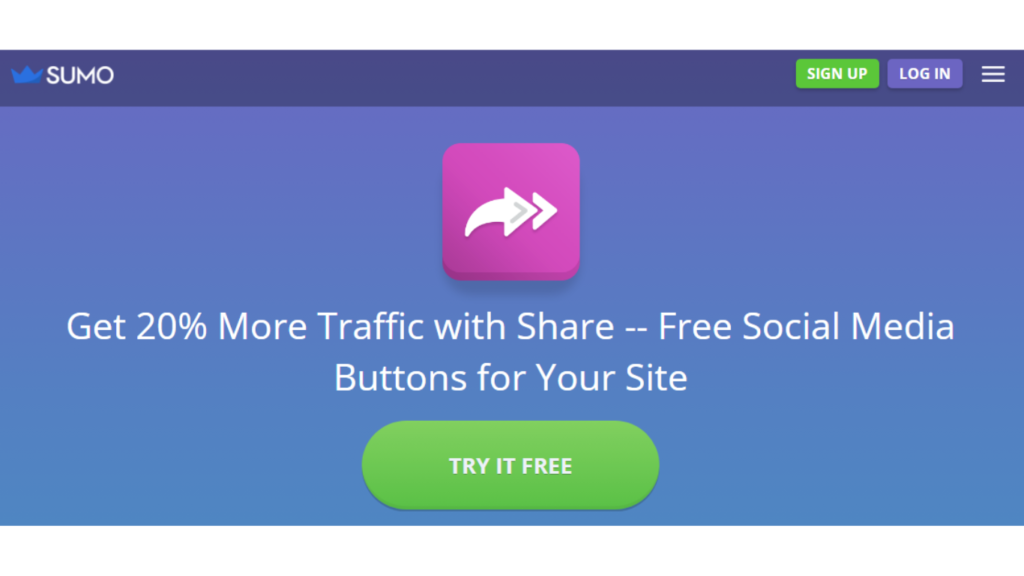
Boost your website traffic by 20% with Share – the hassle-free solution for integrating social media buttons into your site. Share simplifies the process for your visitors to share your compelling content with their networks, friends, and family, generating viral traffic effortlessly.
Key Features:
- Built-in social media buttons make it incredibly easy for visitors to share your amazing content.
- Connects seamlessly to over 65 social services worldwide, including Facebook, Pinterest, Twitter, and Pocket, allowing your visitors to share.
- No need to deal with complex code or confusing settings. Share offers a drag-and-drop setup, allowing you to place social media buttons exactly where you want on your site.
3. Scriptless Social Sharing

Scriptless Social Sharing is a lightweight plugin designed to effortlessly add social sharing buttons to your posts and pages, simplifying the process for your readers to share your content on various social networks.
Key Features:
- Minimalist plugin focusing on simplicity and efficiency.
- Utilizes fundamental sharing methods from each social network.
- “Icons Only” style maintains accessibility with hidden network names.
- Small settings page for quick decisions on content types, button styles, and usage of plugin styles.
- Offers flexibility for developers through customizable filters.
- Straightforward setup via a user-friendly configuration page.
4. Super Socializer
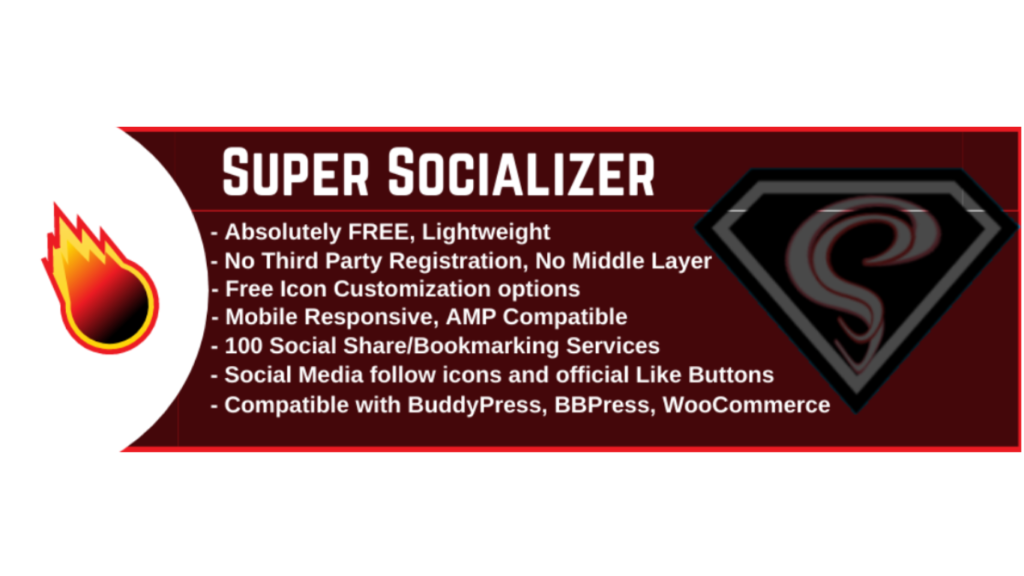
Super Socializer is the catalyst for taking your website’s reach to new heights. It simplifies content sharing, allowing your audience to effortlessly promote your exceptional content. And the best part? It’s cost-free, user-friendly, and fully compatible with popular platforms.
Key Features:
- Integrates seamlessly with BuddyPress, bbPress, and WooCommerce.
- Ensures compliance with data protection regulations.
- Perfectly aligns with the Gutenberg block builder.
- Starts working without the need for third-party registrations.
5. Jetpack

Jetpack is a powerhouse plugin offering versatility beyond social sharing. While incredibly robust, it’s essential to note that it may have a slight impact on page speed. Beyond social sharing, Jetpack encompasses security services and various other crucial functionalities, making it an all-in-one solution for website enhancement
Key Features:
- Offers a range of functionalities beyond social sharing, including security services.
- Choose from different sharing modes – social media, print, or email.
- Customize the display with buttons, text links, or icons for optimized loading times.
6. Social Share Icons & Social Share Buttons
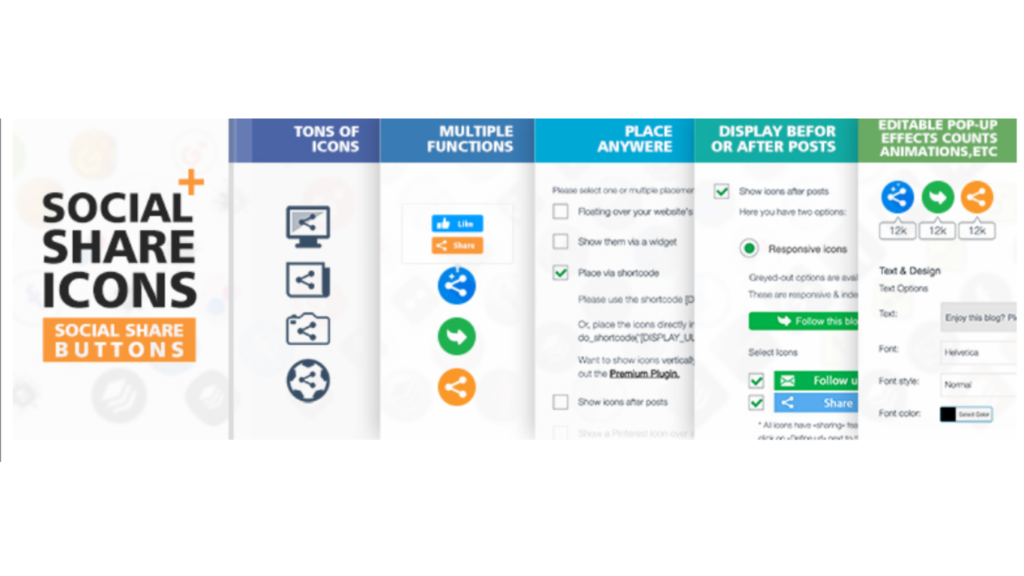
Effortlessly enhance your website with social share icons using this user-friendly plugin. Completely customizable and free, it supports multiple languages for a global audience.
Key Features:
- Add social share icons to your website with just a few clicks.
- Translated into various languages for broader accessibility.
- Supports numerous social share platforms for comprehensive sharing options.
- Choose from various placement options such as before or after posts, floating over pages, via widget, or shortcode.
- Select from 16 design styles and enjoy animated social share buttons with features like automatic shuffling and mouse-over effects.
- Offers a bundle of social media icons, including popular and lesser-known platforms.
7. Social Media Share Buttons & Social Sharing Icons

Suppose you’re seeking an all-encompassing social sharing solution for your website or blog. In that case, the Social Media Share Buttons & Social Sharing Icons plugin is the answer. With support for over 200 social media platforms, customizable icons, various design styles, and versatile actions, it caters to your unique sharing needs. Plus, encourage visitor engagement by offering follow and like prompts via pop-ups. Your social sharing needs are covered effortlessly.
Key Features:
- Add share icons for a wide range of platforms, including RSS, Email, Facebook, Twitter, LinkedIn, Pinterest, Instagram, YouTube, and more, covering 200+ social media networks.
- Upload custom share icons of your choice for a personalized touch.
- Opt for “floating” or “sticky” social media icons to enhance user engagement.
- Allow visitors to subscribe via email for seamless updates.
8. Sassy Social Share
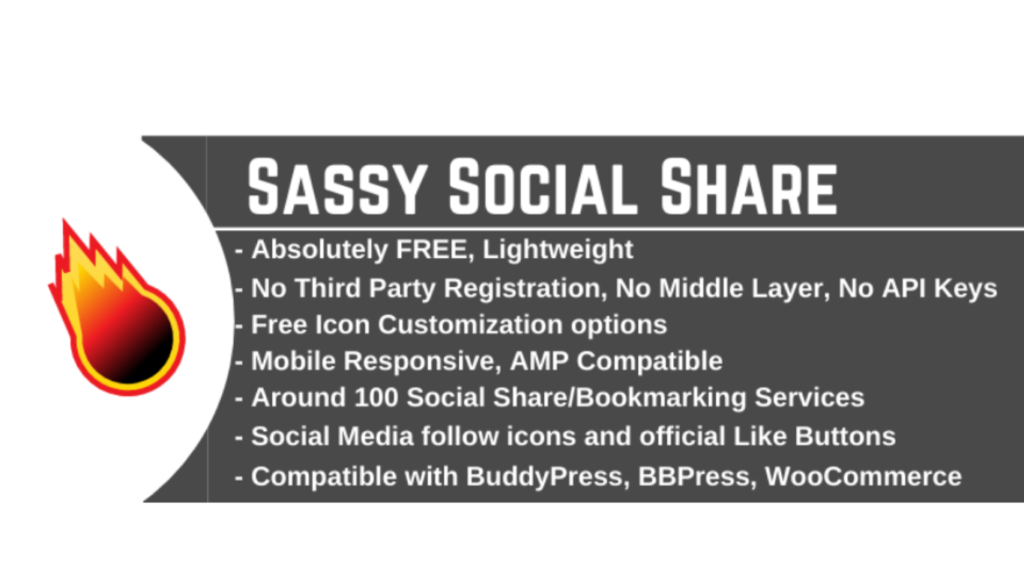
Sassy Social Share is the go-to solution for simplified and effective social sharing on your website. With a multitude of features, compatibility across platforms, and a user-friendly interface, it offers a seamless sharing experience for your audience—all without costing you a penny.
Key Features:
- Allows sharing over Facebook, Twitter, Google, Linkedin, Whatsapp, Tumblr, Pinterest, Reddit, Parler, Gab, Gettr, and 110+ more social sharing and bookmarking services.
- Simplest and slickest social share plugin with optimized and aesthetically pleasing vector icons.
- Effortless implementation, suitable for users of all skill levels.
- Icon customization, around 100 social sharing and bookmarking services, counter, widgets, and shortcodes.
- Choose between standard and floating icons, set desired locations, and seamlessly share WooCommerce products.
9. Addtoany
Share Buttons by AddToAny is a powerful tool providing over 100 highly customizable share buttons.
Key Features:
- Share to any service or add a custom one. Ensures content sharing to the right destination, be it in a native app or on the web.
- Icons are Scalable Vector Graphics, ensuring fast loading, precision, scalability to any size, and stunning display on high-PPI screens.
- Automatically integrates sharing stats into your Google Analytics, consolidating metrics into one dashboard.
- Encourages content sharing with a floating share buttons bar that stays in place as visitors scroll.
10. Simple Share Buttons Adder
The Simple Share Buttons Adder lives up to its name, seamlessly adding share buttons to all your posts and pages with ease.
Key Features:
- Effortlessly adds share buttons to every post and page on your website.
- CSS-based settings for customization, allowing flexibility in Share Buttons, Icon, and Icon Hover colors.
- Choose from predefined CSS themes or apply your own custom CSS for a personalized touch.
- Select from 10 different button sets that scale perfectly to mobile devices. Add your own image sets if desired.
- Shorten URLs for cleaner and more concise sharing.
Choosing the best social sharing plugin for WordPress depends on your specific needs. Some top contenders include “Shareaholic” for comprehensive features, “Super Socializer” for a versatile and free solution, “Sassy Social Share” for simplicity and extensive platform support, and “AddToAny” for customization and integration with Google Analytics. Evaluate your requirements and preferences to select the plugin that aligns with your website goals.